See It In Action
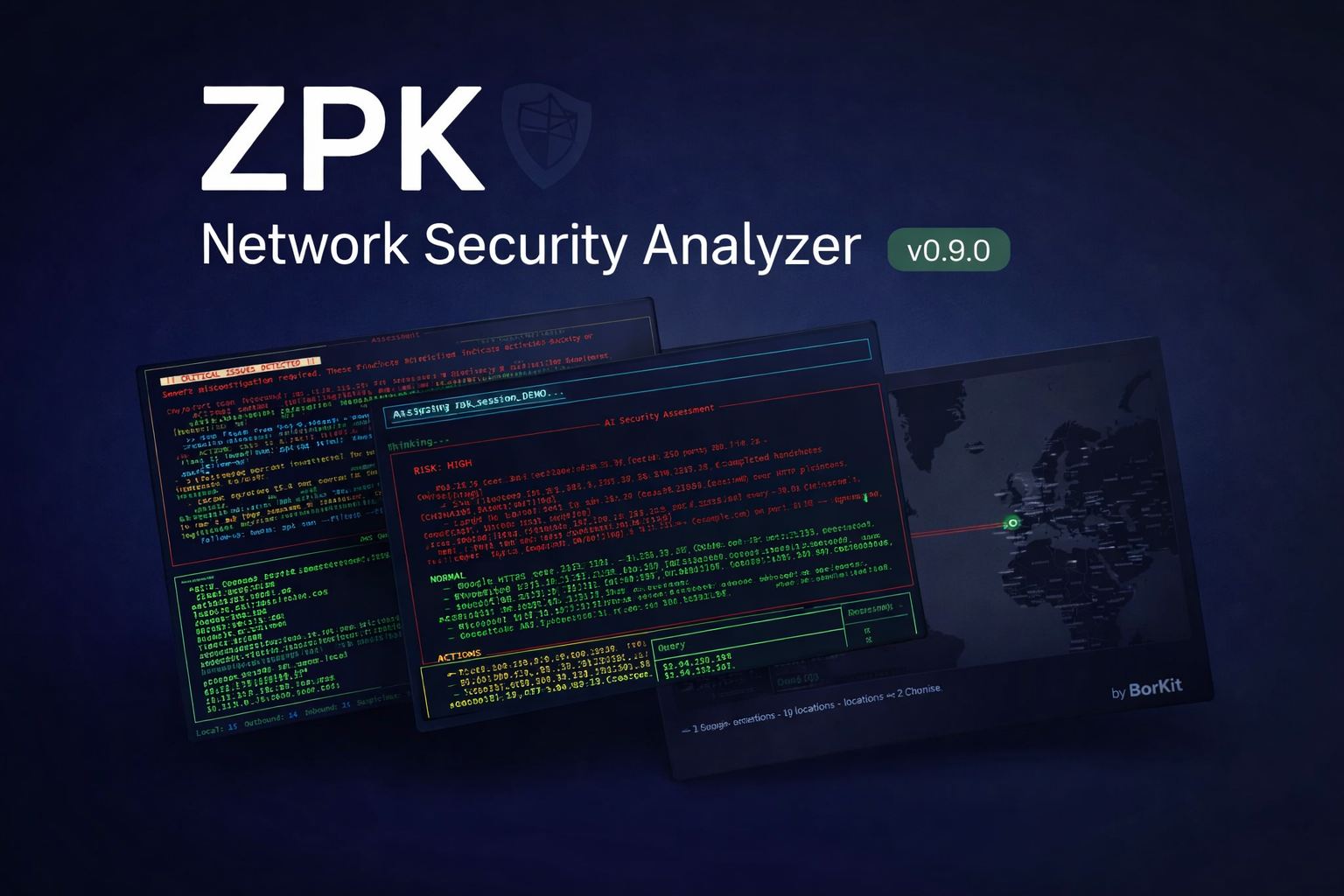
See what your network is really doing. No complexity, no cloud, no subscriptions.
Buy ZPK $29 one-time · Windows 10/11 · Standalone EXE Official site: zpkprobe.comEverything runs locally on your machine. No cloud, no accounts, no data leaves your PC.
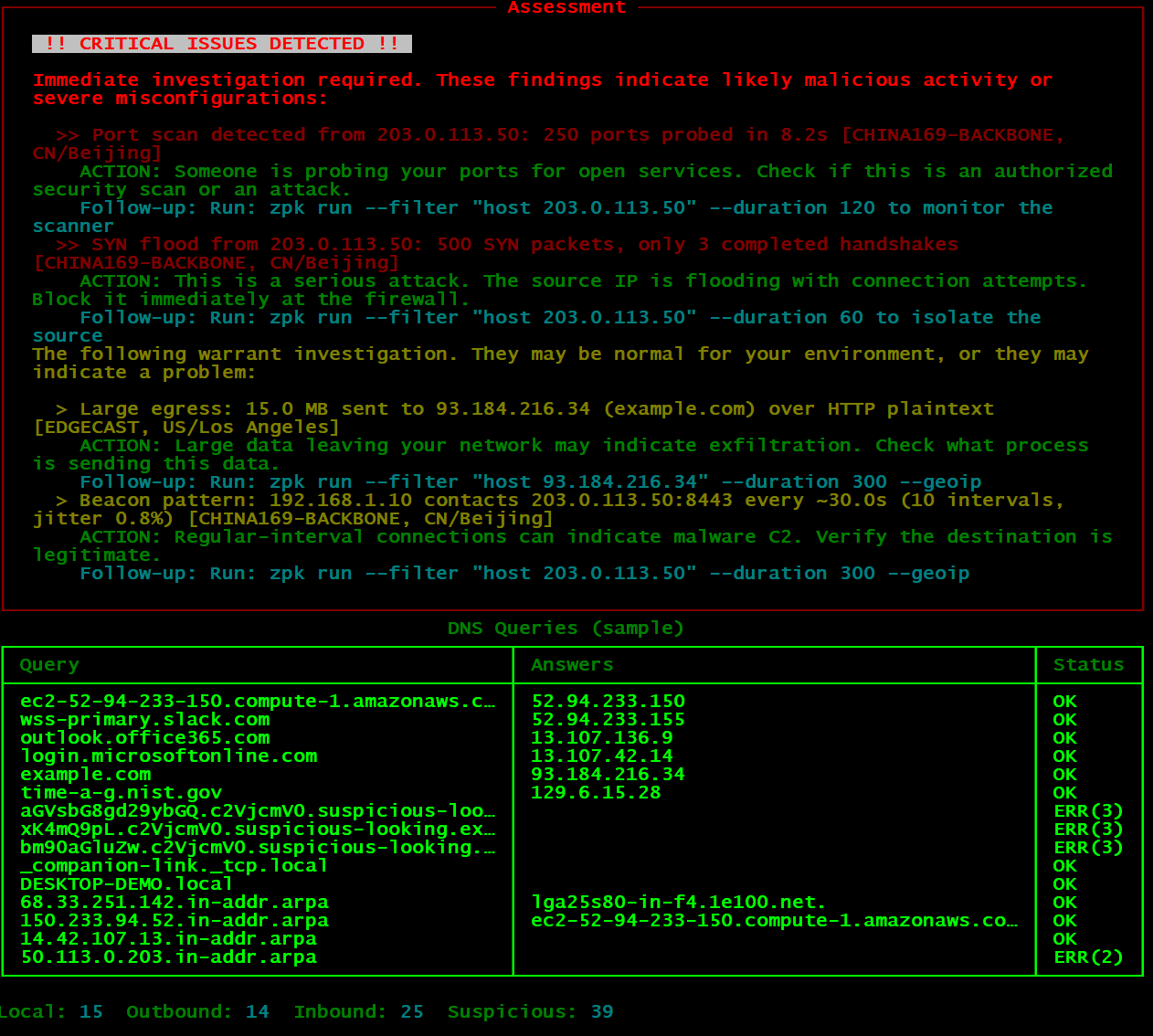
Port scans, SYN floods, DNS tunneling, ARP spoofing, beaconing, packet loss, cleartext credentials, and more. All automated.
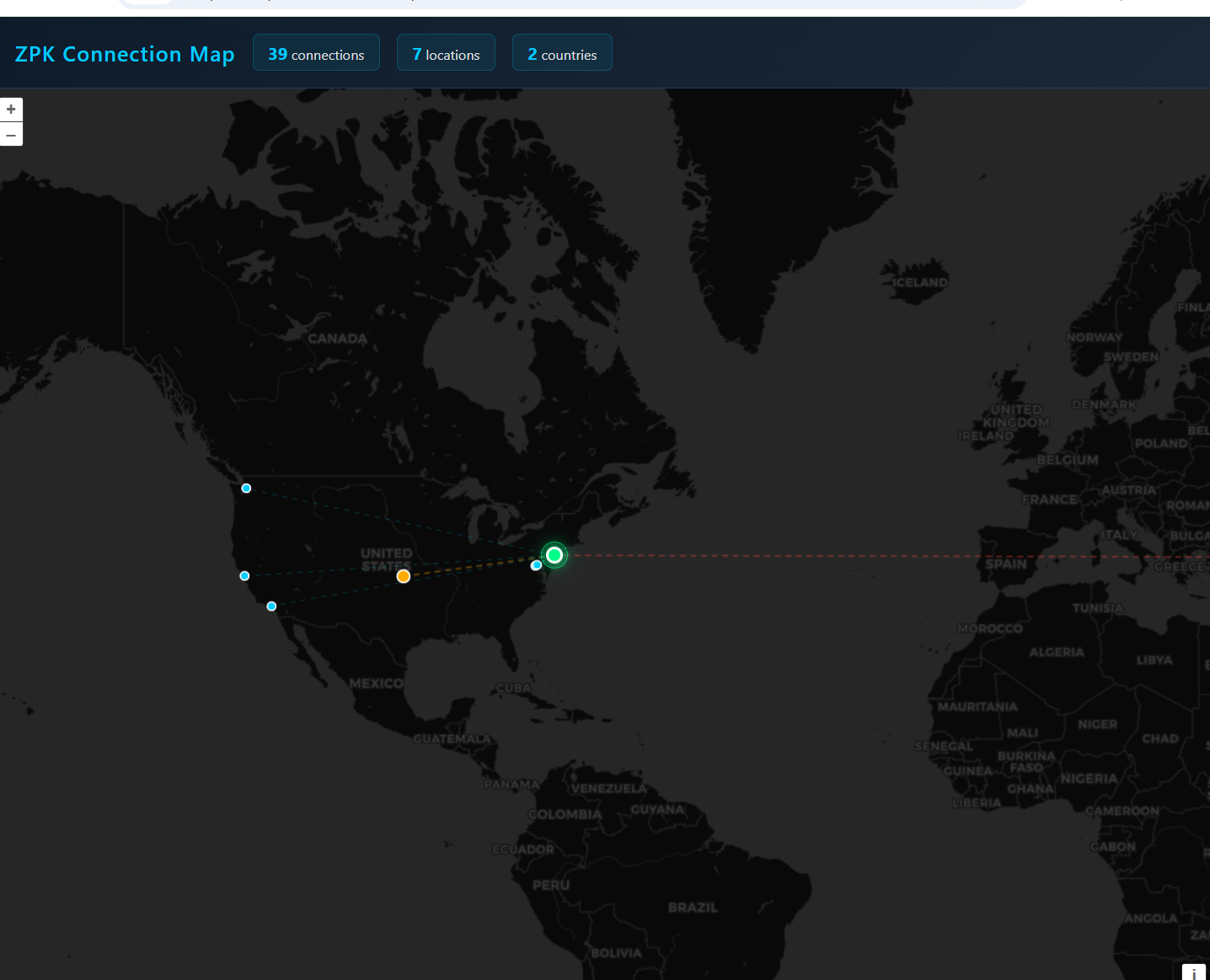
See who owns every IP your machine talks to, and where they are. Interactive HTML world map included.
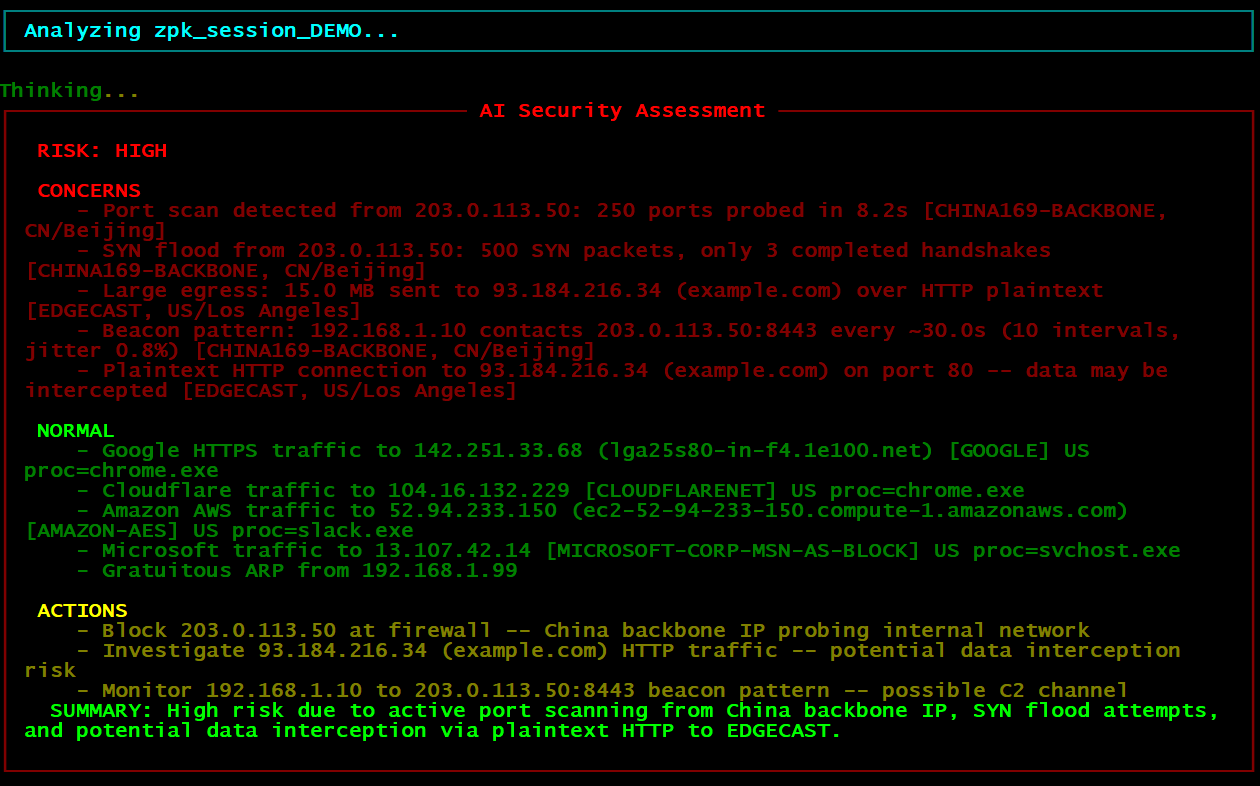
Optional AI-powered assessment via Ollama. Runs on your GPU, never sends data to the cloud. Plain-English security report.
Generate professional PDF reports, or export to CSV, JSON, Markdown. Ready for client deliverables or your own records.
Know which application is making each connection. Chrome, Slack, svchost, or something suspicious? ZPK tells you.
Get notified instantly when critical findings are detected. Configure Slack webhooks or email alerts in seconds.
No commands to memorize. The interactive menu walks you through scanning, viewing results, and exporting. Beginner-friendly.
Single EXE file, no Python setup, no bundled runtime. Run it on any Windows machine, then install Npcap from within the app.
Compare captures over time. See if your network is getting noisier, if new hosts appear, or if threats are increasing.
Download zpk.exe, right-click, Run as Administrator. No installation wizard, no Python, no setup. Just one file.
From the menu, go to Setup & Tools and install Npcap (free packet capture driver) and download the GeoIP database. Both are guided — just follow the prompts. You only do this once.
Hit Quick Scan in the menu. ZPK captures 30 seconds of live traffic, identifies every connection, resolves IPs to organizations and countries, and runs 23 detection rules automatically.
Color-coded results tell you exactly what needs attention: CRITICAL threats, SUSPICIOUS activity, WATCH items, and INFO noise. Each finding includes the IP, organization, country, and recommended action.
View connections on an interactive world map, export a PDF report for your records or clients, set up Slack or email alerts for automatic notifications, or compare sessions over time with trend analysis.
Install Ollama (free, one download) and pull the qwen3:8b model. ZPK feeds your session data to the local AI and gets a plain-English security assessment — no cloud, no API keys, everything stays on your machine. Requires a GPU with 8+ GB VRAM.